The one-sentence version
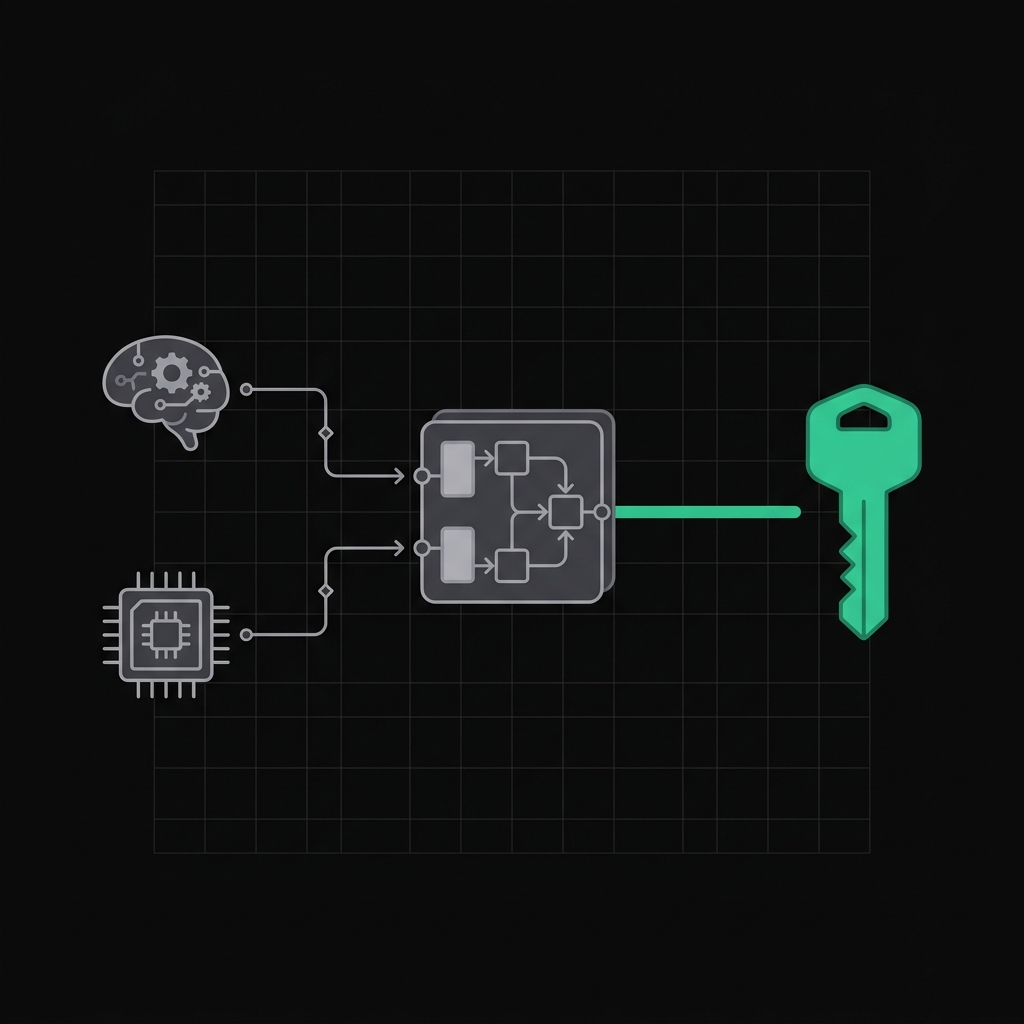
To unlock your vault you need two things: your passphrase (something you remember) and your Secret Key (something your devices hold). Neither one alone can open the vault, whoever is holding it: you, an attacker, or us. The recovery code is your backup if you forget the passphrase.
Try it
Toggle the two factors, or step through what different attackers actually hold. The vault only opens when both are present at once.
Your passphrase and Secret Key are both present, so the vault opens.
The secrets, one by one
1. Passphrase - something you know
The password you choose and memorize. It's never sent to our servers - it's used, on your device, as one of two ingredients that derive your unlock key. You can change it whenever you like. Because it's only half of the recipe, a weak or phished passphrase on its own can't open your vault.
2. Secret Key - something you have
A long, random, high-entropy key (128 bits) that Pock generates once, on your device, when you first create your vault. It looks like HzBwwy7i4WD8nSAq-6QXHw. It's the second ingredient in your unlock key, and it never touches our servers. It gets stored on the devices you sign in from (your browser, the desktop app's keychain, the CLI's ~/.pock/vault.json), so you usually only type it once per device.
Why a random key and a passphrase? Because people pick guessable passphrases. If your unlock key were derived from the passphrase alone, then anyone who grabbed our database could run an offline guessing attack against it. Mixing in a 128-bit Secret Key that we never see makes that attack pointless - even a weak passphrase is safe, because the attacker is still missing a key they can't guess and can't steal from us. This is the same "two-secret" design 1Password popularized.
3. Recovery code - your backup
A second one-time code (like 9F5Vtzim5tMViyoxEomlA3NEo6k) shown once at setup. It wraps your vault key a second way, so if you ever forget your passphrase you can still get back in with the recovery code. Store it somewhere safe and separate - a password manager you trust, a printout in a drawer. If you lose both your passphrase and your recovery code, no one can recover your vault, including us. That's the point of zero-knowledge.
4. API token - how tools sign in (not a key)
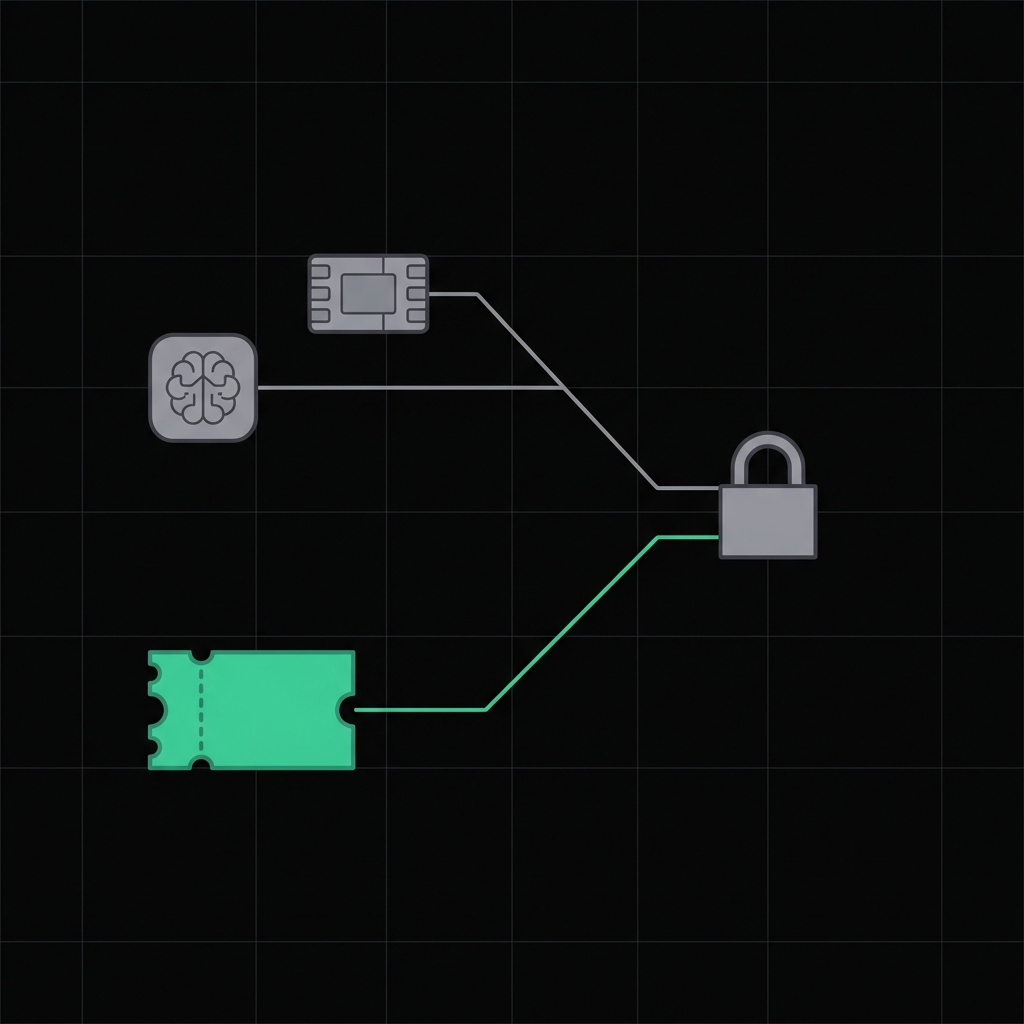
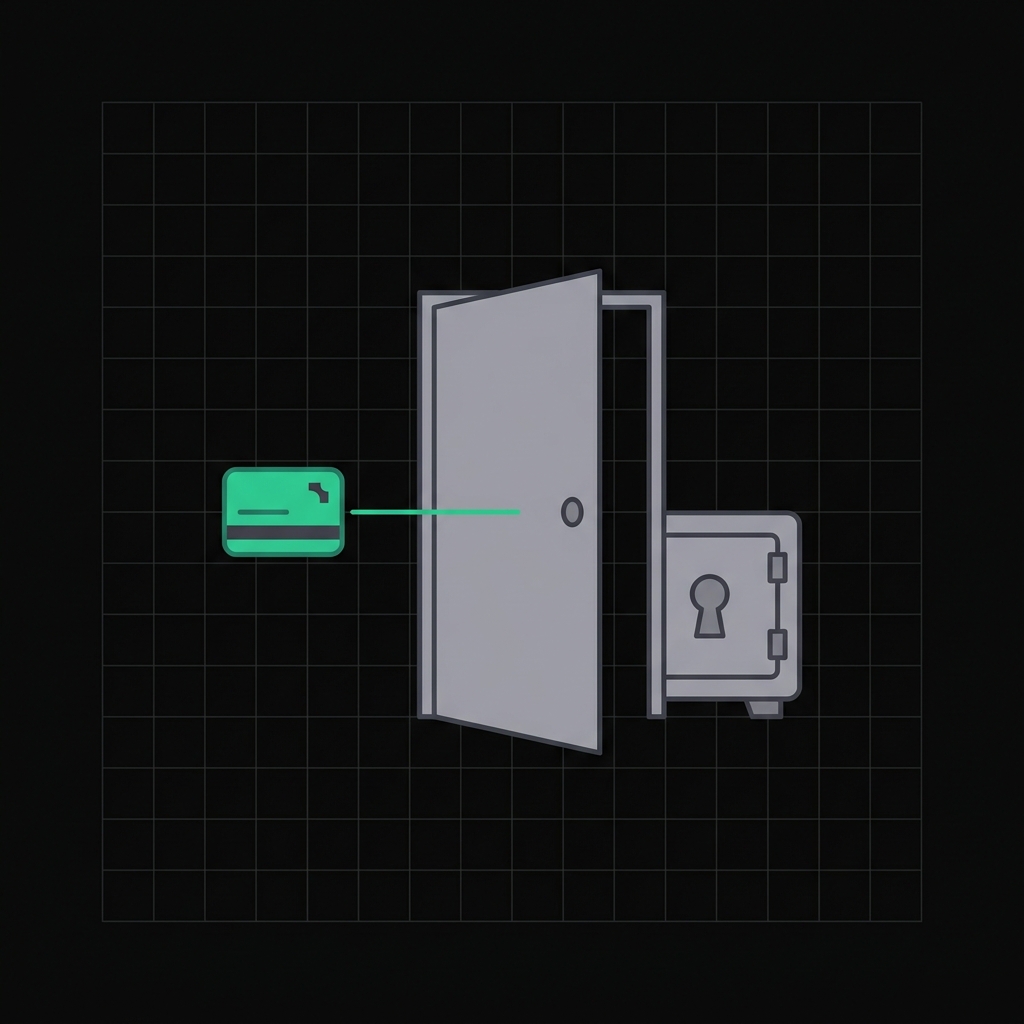
When you run pock login or connect the browser extension, Pock issues an API token. This only proves who you are to the server - it is not a decryption key and can't open your vault by itself. Unlocking still needs your passphrase + Secret Key on the device. You can revoke a token any time with pock logout or from the web, without touching your encryption.
How the two fit together
Your passphrase and Secret Key are combined - on your device - into a single unlock key (we call it the Account Unlock Key). That key doesn't decrypt your secrets directly; it unwraps your identity, the actual keypair that encrypts and decrypts every secret. The server stores only the wrapped identity, so without both of your ingredients it's an unreadable blob.
passphrase + Secret Key → derive → unlock key → unwraps → your identity (keypair) → decrypts → your secrets
The recovery code is a parallel path to the same unlock key. The API token sits entirely outside this chain.
What each defends against
- Our servers get breached - the attacker gets wrapped blobs and no Secret Key. Can't unlock.
- Someone phishes your passphrase - still missing your Secret Key, which never left your devices. Can't unlock.
- A device is stolen - the Secret Key is there, but not your passphrase (and biometric unlock adds your fingerprint). Can't unlock.
- You forget your passphrase - use the recovery code, set a new one.
Quick reference
- Passphrase - memorize it, needed every unlock, changeable.
- Secret Key - save it once, stored per device, never on our servers. Losing it (and your recovery code) means no recovery.
- Recovery code - save it somewhere separate; your only way back if you forget the passphrase.
- API token - convenience for tools, revocable, not a decryption key.
New machine or a borked local vault? pock vault link re-attaches a device using your passphrase + Secret Key. For CI, the same two factors go in as POCK_SECRET_KEY + POCK_PASSPHRASE - see the CLI.